Free while in beta · $19 once at 1.0 · no subscription
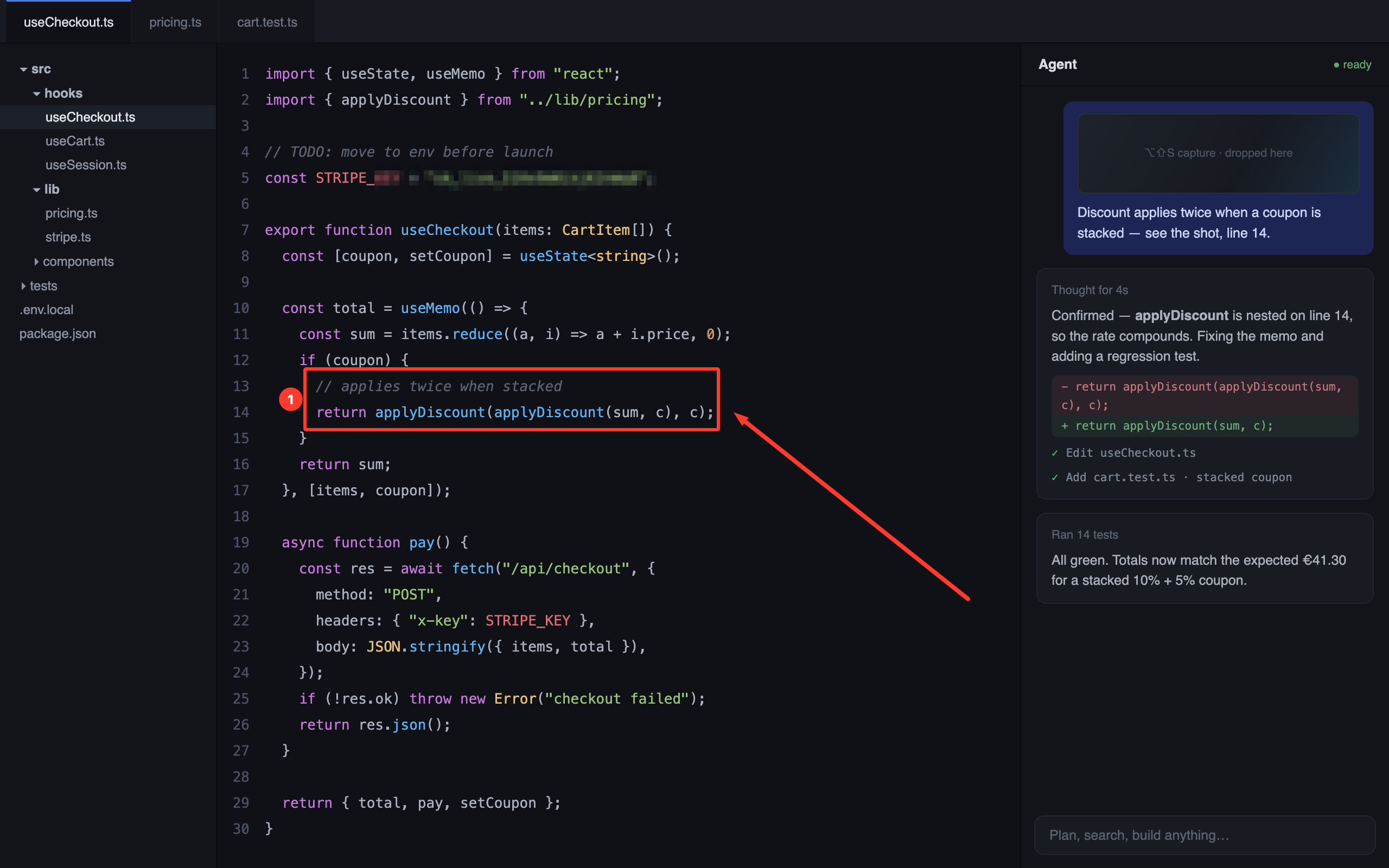
useCheckout.ts — annotated with UrShot, pasted to the agent
IT'S YOUR CLIPBOARD — IT WORKS EVERYWHERE YOU PASTE
CursorClaude CodeVS CodeSlackGitHubLinearNotion
01 — CAPTURE
Faster than your train of thought.
Press the hotkey, drag, release — the shot is already on your clipboard as both an image and a file. No confirm step, no sound, no dance through Finder.
⌥ ⇧ SCapture area
⌘ VPaste into your agent
⌥ ⇧ EAnnotate last capture
Instant clipboardImage data and file URL in one copy — pastes correctly into chats, Slack, Finder, everywhere.
Floating chipsEvery capture stacks as a thumbnail you can drag straight into a chat — or park anywhere on screen.
Adjustable selectionCorner handles, live dimensions, redo — when precision matters. Skipped entirely when it doesn't.
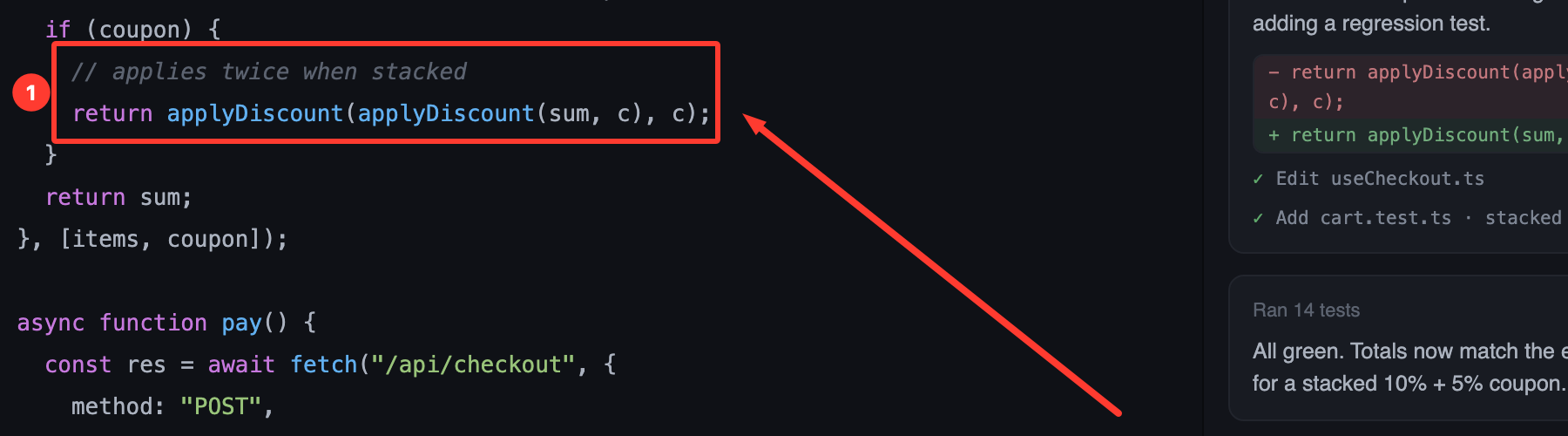
arrow · box · counter — the agent sees exactly what you see
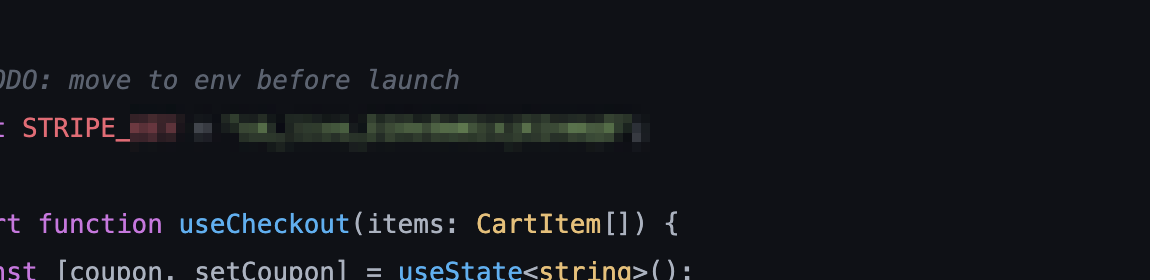
redact — pixels destroyed on export, not hidden under a layer
02 — ANNOTATE
Point. The agent understands.
Arrows, boxes, text, numbered steps — and a redact tool that actually destroys the pixels under it, so a live key never leaves your machine.
Non-destructiveAnnotations live beside the original. Reopen a shot next week — every arrow still moves.
One keystroke out⌘ C copies the flattened result, ready to paste.
03 — RECORD
Ten seconds of proof beats ten lines of prose.
Select an area, hit Record or GIF. Click highlighting built in, optional mic and camera. Pause genuinely removes the paused time. Trim with native handles, export MP4 or a chat-sized GIF.
MP4 by defaultDrops cleanly into Slack, GitHub issues, and X.
GIF modeRecords, then converts automatically — sized for chat windows.
Full control while livePause, resume, restart, or discard from a floating bar.
WHY IT FEELS DIFFERENT
Small, native, and entirely yours.
100%
local
No account, no cloud, no telemetry. UrShot contains no networking code — your screen never leaves your Mac.
0
dependencies
Pure Swift and macOS frameworks. A ~2 MB download that launches instantly and idles at zero.
1
keystroke
Built by @edwinmelstrad, who pastes forty screenshots a day into agents. Feedback ships fast.
PRICING
Free today. $19 once, forever.
$0 during beta → $19 one-time at 1.0
Everything included — capture, annotation, MP4/GIF recording
No subscription, ever — pay once at 1.0, keep it for good
Beta feedback shapes the roadmap — reply on X, watch it ship
macOS 13+ · Apple Silicon · Unzip, move to Applications, right-click → Open on first launch. Beta builds aren't notarized yet — notarization ships with 1.0.
Questions, answered honestly.
macOS says it can't verify the developer. Why?
Beta builds aren't notarized with Apple yet — that lands with 1.0. Right-click UrShot.app → Open → Open, or System Settings → Privacy & Security → "Open Anyway". Once, and never again.
What permissions does it need?
Screen Recording — that's the product. Microphone and Camera only if you enable them for recordings. UrShot has no networking code at all; nothing is uploaded anywhere, ever.
Will it really stay $19 one-time?
Yes. It's a tool, not a landlord. One-time pricing is proven in this category — UrShot is priced lower because it's younger and focused on a single workflow it does extremely well.
How is this different from CleanShot X?
CleanShot is an excellent everything-tool. UrShot is built around one loop: screen → AI agent. Instant clipboard, drag-in chips, chat-sized GIFs, pixel-destroying redaction for keys, zero cloud. If you live in Cursor or Claude, that loop is your whole day.
What Macs does it run on?
Apple Silicon, macOS 13 Ventura or newer. Intel support if enough beta users ask for it.
Give your agent eyes.
Your next bug report is one keystroke away from being unmistakable.